November 17th, 2025
New
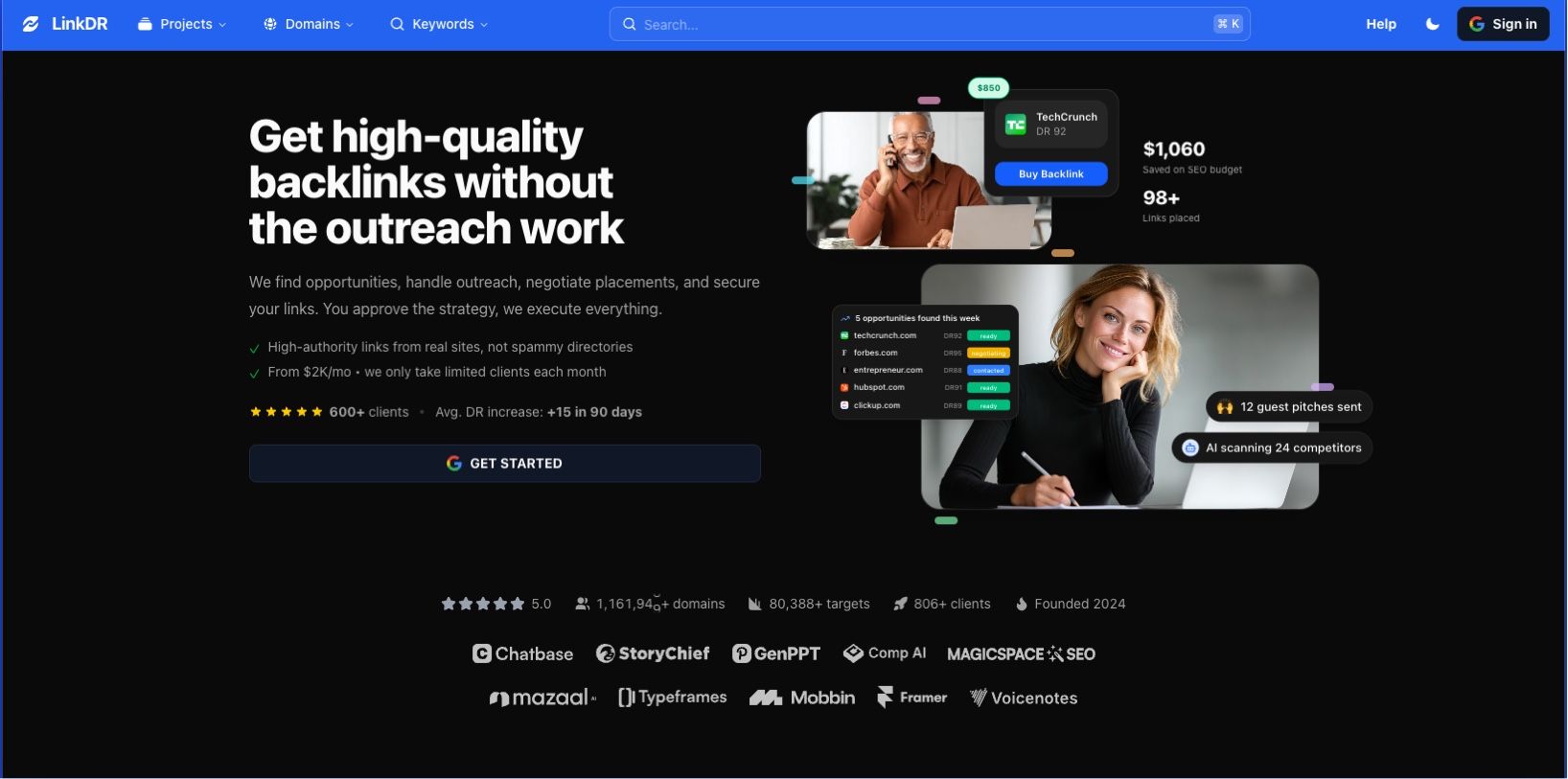
🎉 Major Update: Complete Platform Redesign
This is our biggest update yet! We added Dark Mode 😎 (just kidding - but also did!)
We've rebuilt LinkDR from the ground up with powerful new features for managing your link building workflow.
🎯 Order Management System
Request and track backlink orders with complete visibility
New Order Form - Submit backlink orders with an intuitive interface

Paste or import domains from CSV files

Copy/paste directly from Google Sheets
See Domain Rating (DR) instantly for each domain
Preview screenshots on hover
Add notes for each placement
Star your favorite domains for quick access
Smart Domain Discovery - Find more opportunities as you build orders

"Related" button finds similar domains automatically

AI-powered search finds domains by keywords, industry, or country
Import up to 200 domains at once
Complete Order Tracking - Never lose track of a placement again
Order Status Flow
Submitted — We received your order request. You'll see this status immediately after creating a new order. You can cancel at this stage if needed.
Pending — We're reviewing your request and preparing a quote. We contact each person in your list and check prices, which usually takes 1-2 business days. For large orders, this can take 7-14 days. We'll email you when your quote is ready. You can still cancel during this phase.
Accepted — You've approved the quote and payment has been processed. We're now ready to start working on your links. You can cancel before we begin work.
In Progress — We're actively placing your backlinks. This includes outreach, content creation, and coordination with site owners. Individual items may show different statuses:
Pending — not started
Working — in progress
Review — waiting for approval
Completed — live
Rejected — domain owner declined
This phase typically takes 2-4 weeks depending on your order size.
Completed — Your links are live and verified. We've confirmed each placement and you can see them in your project.
Cancelled — The order was cancelled. If cancelled before work begins, you'll receive a full refund.
Track status for each individual link in your order
Export orders to CSV for client reporting
Automatic Notifications - Stay informed at every step
Email confirmations when you submit an order
Updates when order status changes
Notifications sent to support@linkdr.com with CSV attachments
Real-time Slack notifications in #orders channel
🔗 Link Monitoring & Management

Track every backlink with automatic monitoring
Redesigned Link Management
Import links by pasting from Google Sheets
Export to CSV or copy to clipboard
Filter by link status (Active, Removed, Lost)
Search by domain
Bulk operations support
Automatic Link Monitoring

Weekly dofollow checks on all tracked links
Instant detection when links go down
"Lost Links" section for quick review
Link status tracking tied to order workflow
🌐 Domain Explorer

Discover and research domains faster than ever
AI-Powered Search - Just describe what you're looking for
Example: "saas companies in Belgium"
Auto-generates filters based on your query
Intelligent keyword, industry, and country matching
Beautiful Domain Cards

See key metrics at a glance (DR, traffic, etc.)
Screenshot previews for every domain
Star/favorite domains to save for later
Click tags to filter by categories
Pagination for large result sets
Rich Domain Profiles

Complete domain metrics
Page cache history showing all scraped data
All outbound links displayed
Dofollow + external links in dedicated tab
AI-powered related domains
Keywords the domain ranks for
Price ranges (when available)
🔍 Keyword Analysis Tools

Find link opportunities through keyword research
Keyword Analyzer - Find sites that sell backlinks for any keyword
New cleaner headline and layout
Integration with project keywords
Save keywords to projects for tracking
Enhanced SERP Analysis

"Copy SERP" button moved to top for easier access
Export to CSV with customizable columns
Screenshot previews on hover
Star domains directly from results
Copy domain lists to start new orders
See pricing information when available
Saved Keywords

Save keywords across projects
Track keyword performance over time
Organize research by project
🚀 Bulk Analysis

Analyze hundreds of domains in seconds
Paste up to 200 domains or URLs at once
Get instant metrics for all domains
Star favorites for later
Export results to CSV
Perfect for qualifying large prospect lists
🎨 Design & User Experience
Modern, fast, and beautiful
Dark Mode - Easy on the eyes, now available everywhere
New Header - Cleaner navigation with quick access to all tools
Universal Search - Press
⌘K(Mac) orCtrl+K(Windows) to search anythingJump to any page instantly
Search domains, keywords, orders
Access tools and features
Help Center Integration

New help popup with live chat support
"Book a call" button for personalized assistance
Integrated knowledge base at help.linkdr.com
AI chatbot powered by Featurebase
Mobile Optimized - Smooth, responsive experience on all devices
New Animations - Delightful micro-interactions throughout
Screenshot Previews - Hover over domains anywhere to see screenshots
📊 Projects & Organization
Keep your link building organized
View all your projects in one place
Request orders per project
Track keywords by project
Project verification system to protect your data
Starred domains saved per project
⚡ Performance & Technical

Faster, more reliable, built for scale
Next.js 16 - Latest framework for optimal performance
oRPC - Lightning-fast server actions (no HTTP overhead)
React Query - Smart caching and real-time updates
Trigger.dev v4 - Reliable background job processing
AI SDK v5 - Enhanced AI capabilities
Optimized Database Queries - Faster page loads across the board
🎁 Quality of Life Improvements
Star domains anywhere to save them for later
Export functionality on every data table
Copy to clipboard buttons throughout
Consistent DR badges across all domain mentions
Improved error handling and loading states
Better accessibility with ARIA labels
Simplified navigation structure
Removed unused features (SEO Title Generator, GSC integration)
Streamlined from monorepo to single package for faster development
Need Help?
💬 Chat with us - Click the help icon in the app
📞 Book a call - Schedule time with our team
📧 Email - support@linkdr.com
📚 Documentation - help.linkdr.com
Thank you for being part of the Linkdr community! This update represents months of work (or a weekend, with AI?) based on your feedback. We can't wait to see what you build with these new tools.
— The Linkdr Team